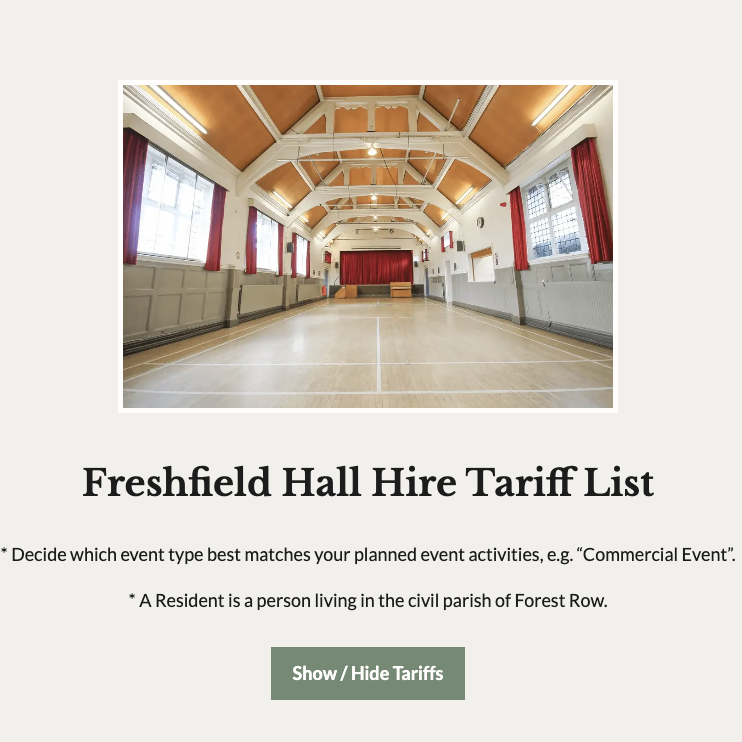
Some Tech Stuff:
Hire tariffs are updated via the admin dashboard > Events > Venues > …select a venue to edit…
If you need to dig deeper into the backend code, check out the All Pages > – Hire Tariffs, the shortcode relevant there is [ venue_tariffs_all ], you can find this shortcode here: wp-content/plugins/mut-events/shordcodes/venue-shortcodes.php
Step 1
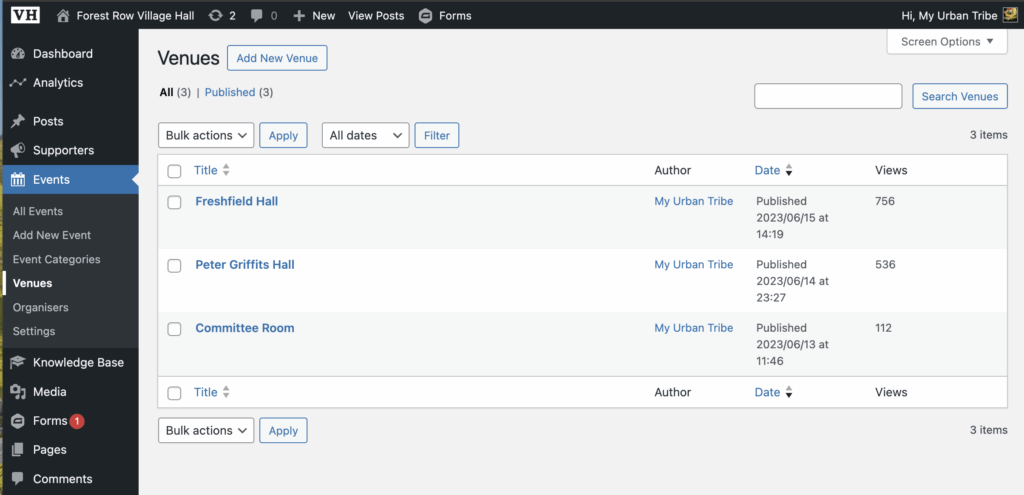
Go to the admin dashboard > Events > Venues > and select the venue you wish to edit:
Step 2
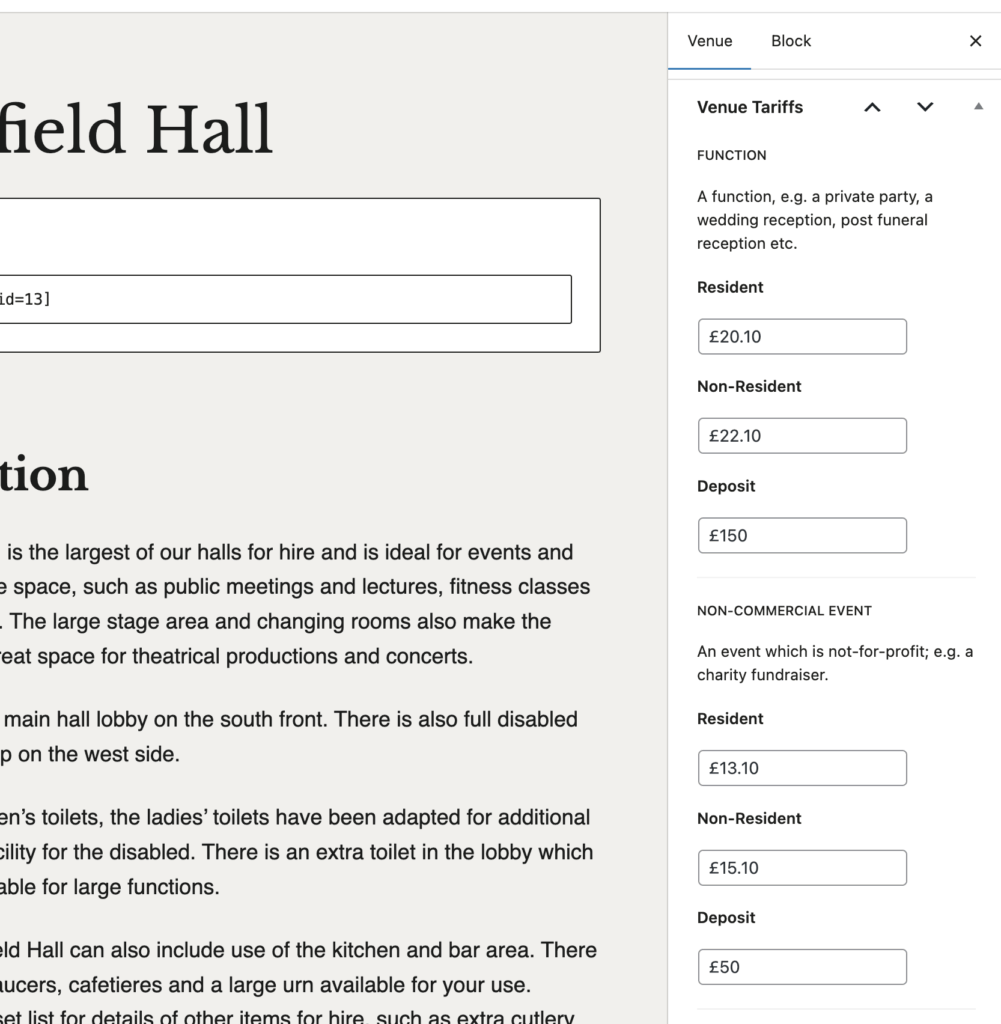
In the right hand aside column, scroll down to find the Venue Tariffs. Here update the relevant tariff amount.
Step 3
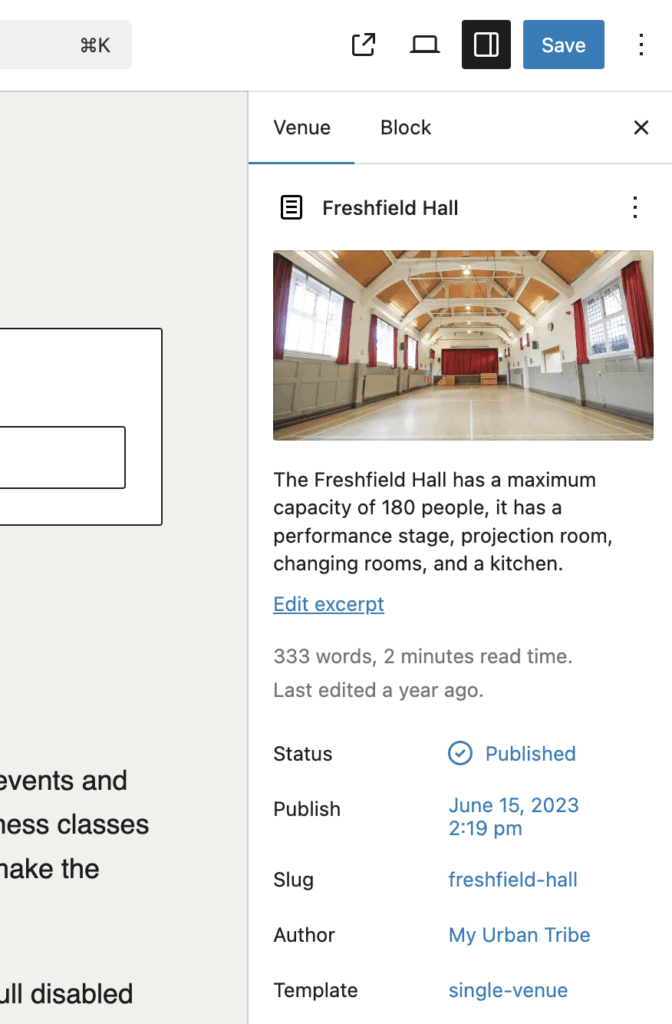
Click save in the top right corner, check the front-end page https://forestrowvillagehall.org/bookings/hire-tariffs/.
Step 4
Update the Hire Estimator. This is done via Admin Dashboard > Forms > Forms > Hire Estimator. Scroll down the form untill you see some £ value amounts, select that block and then update the values in the aside right column. Update all values and then save the form in top right corner.